Getting started
Introduction
What sochub is, how it is organized, and where each part of the work happens.
sochub is open-source case management for security incidents. It is where your team triages alerts, investigates, responds and reports. It is not a SIEM: it does not collect logs, search events or run detection rules. Alerts from your SIEM, EDR, email security and other tools come in through webhooks or scheduled pull workflows, and the work on them happens here.
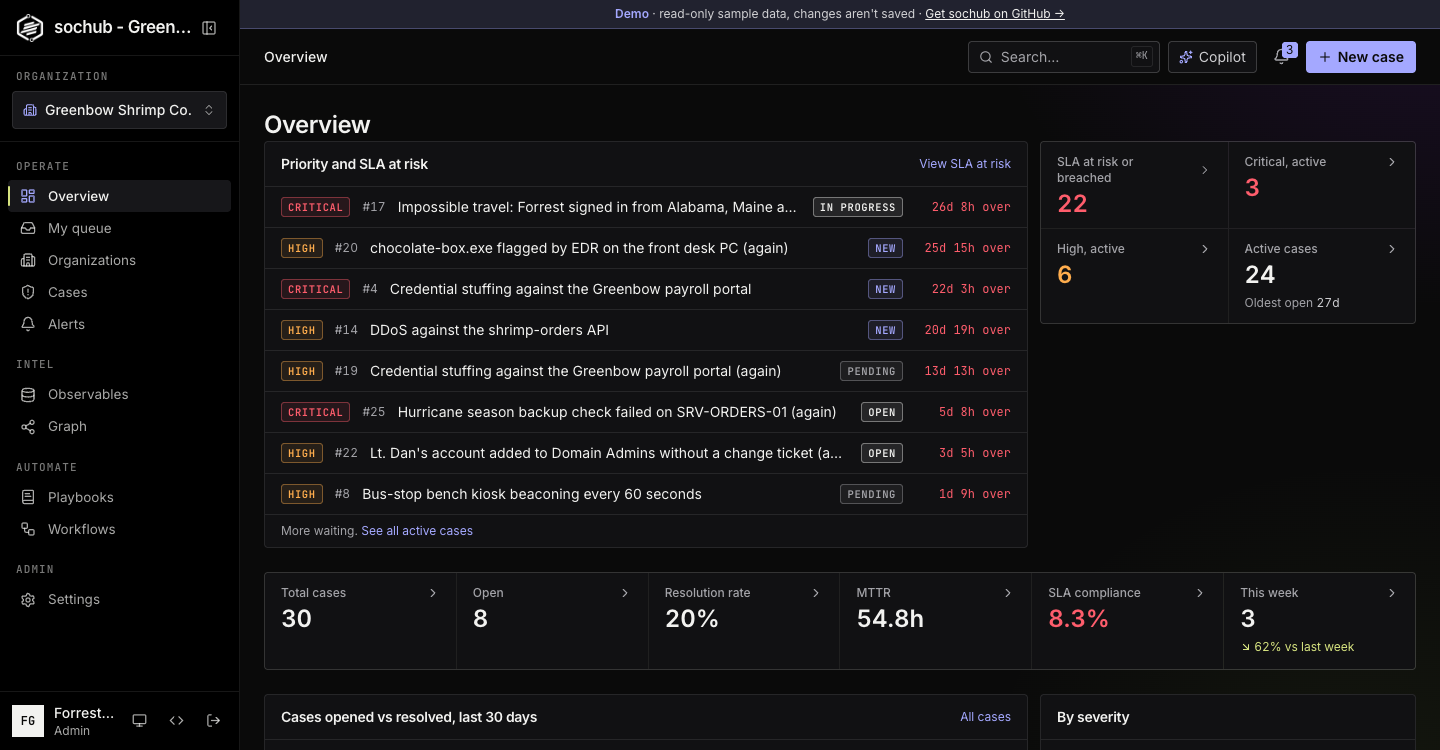
The main screens
The sidebar groups the product by what you are doing:
| Area | Screens | Use it to |
|---|---|---|
| Operate | Overview, My queue, Cases, Alerts | See the state of the team, work your own queue, triage alerts, run cases |
| Intel | Observables, Graph | Track indicators and artifacts, find links between cases |
| Automate | Playbooks, Workflows | Standardize response steps and automate them |
| Admin | Settings | Members, sign-in, integrations, SLAs, guests, audit |
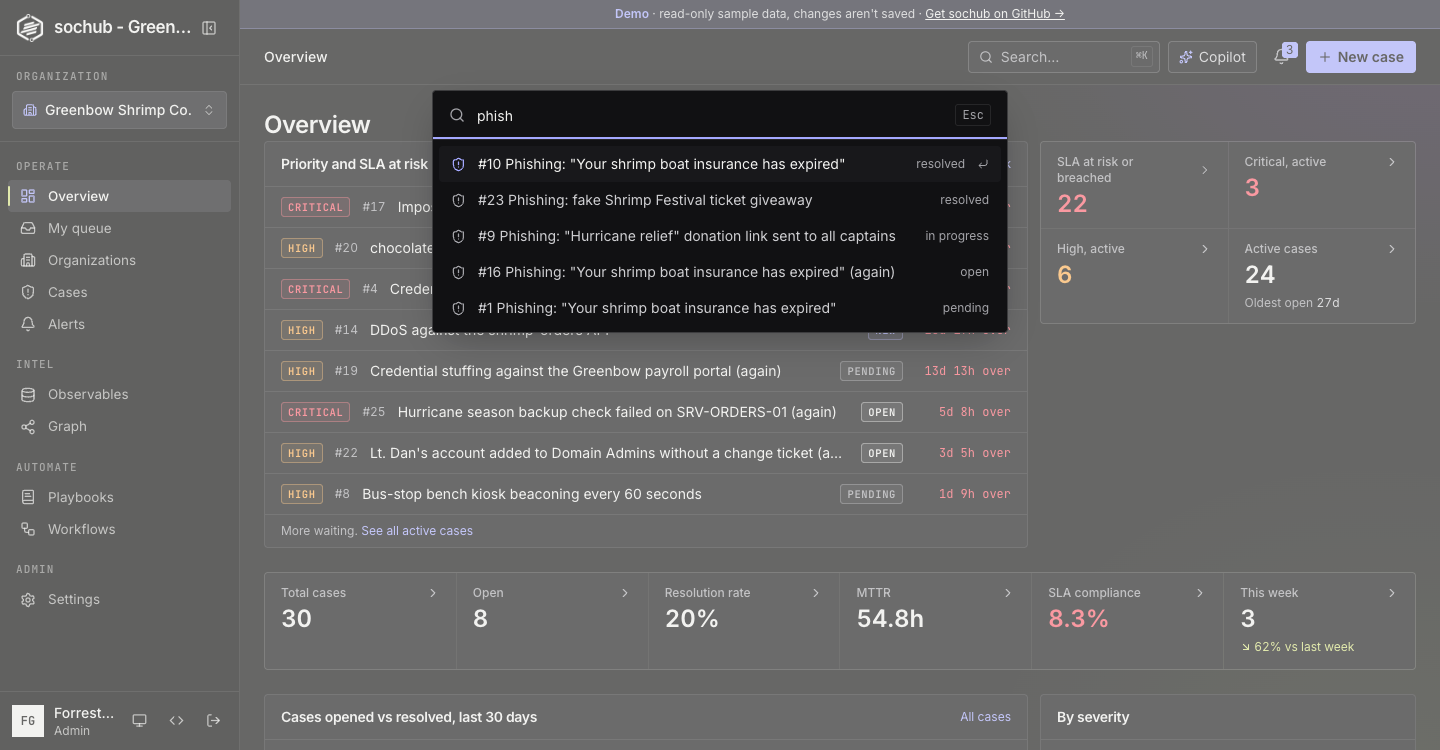
Two things are available everywhere: the Copilot (an AI assistant that knows the page you are on) and the command palette (⌘K / Ctrl K) to jump to any case, alert or page.
Roles
Every member has a role in each organization:
| Role | Can |
|---|---|
| Admin | Everything an analyst can, plus members, sign-in, integrations, playbooks and workflows |
| Analyst | Create and work cases, alerts, artifacts, tasks; run workflows |
| Viewer | Read only |
A separate super admin account bootstraps the installation and the first admin of each organization.
Organizations
Most teams use one organization and never see this. If you run several separate teams (subsidiaries, clients, departments that must stay apart), each organization has its own cases, alerts, settings and members, and one person can belong to several with a different role in each. Switch with the picker at the top of the sidebar. See Users, roles and organizations.
Try it
Found a mistake? Edit this page or open an issue on GitHub.